
Capture, clarify,
and do.
Nordyme is a calm task manager built around one decisive move: a four-direction swipe deck that turns a noisy inbox into trusted next actions. On iPhone, Mac, the web, and inside Claude.
Free during beta · also on Mac
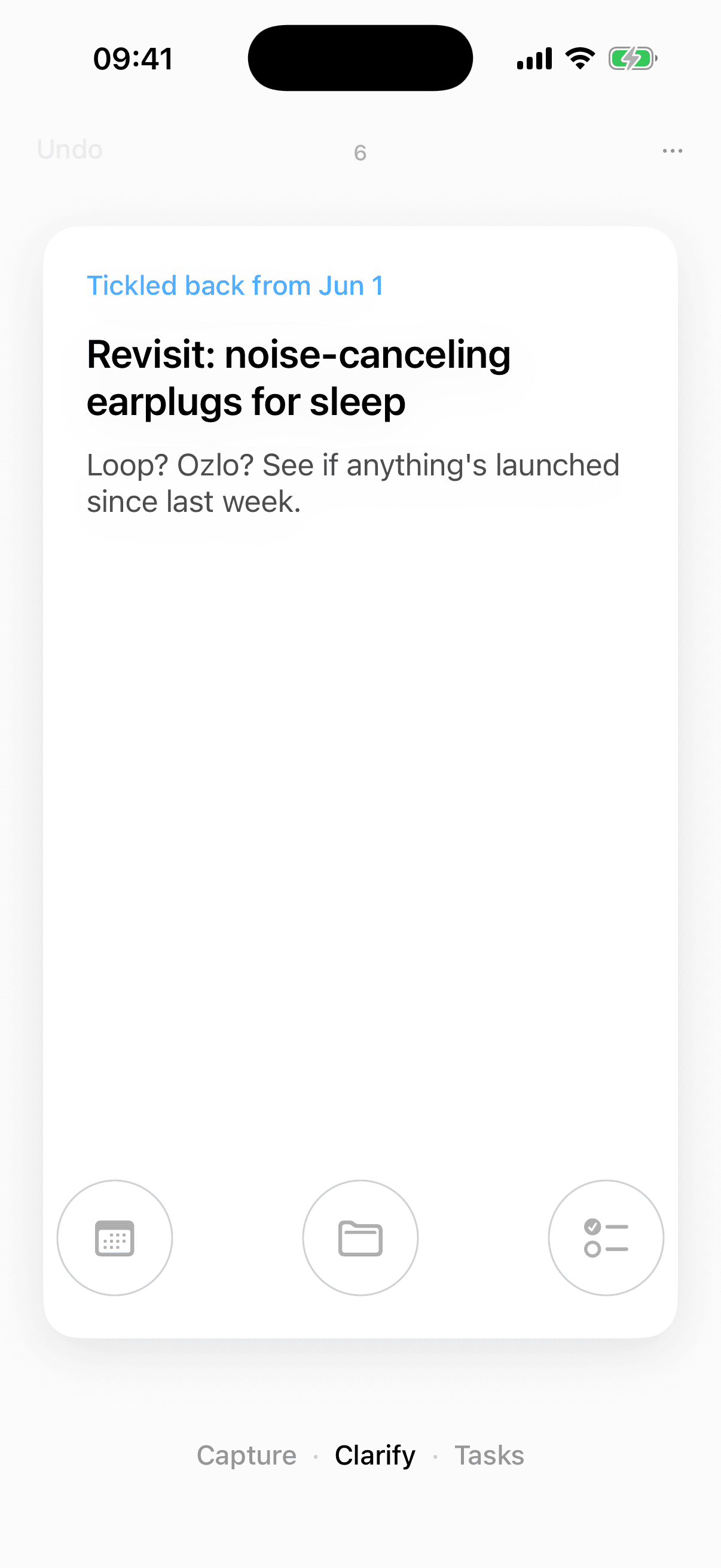
One card. One decision. Now.
A list invites deferral. Nordyme hands you a single thought at a time and asks you to commit with a swipe, so you make a real decision now instead of building a pile for later.
- TrashNot worth keeping.
- DoneTwo minutes, already handled.
- LaterSomeday, or tickle it back on a date.
- PlanMake it a task, project, or event.
From inbox to done, end to end
Five steps, each with a surface designed for it, not a generic list bent to fit.
- 01
Capture
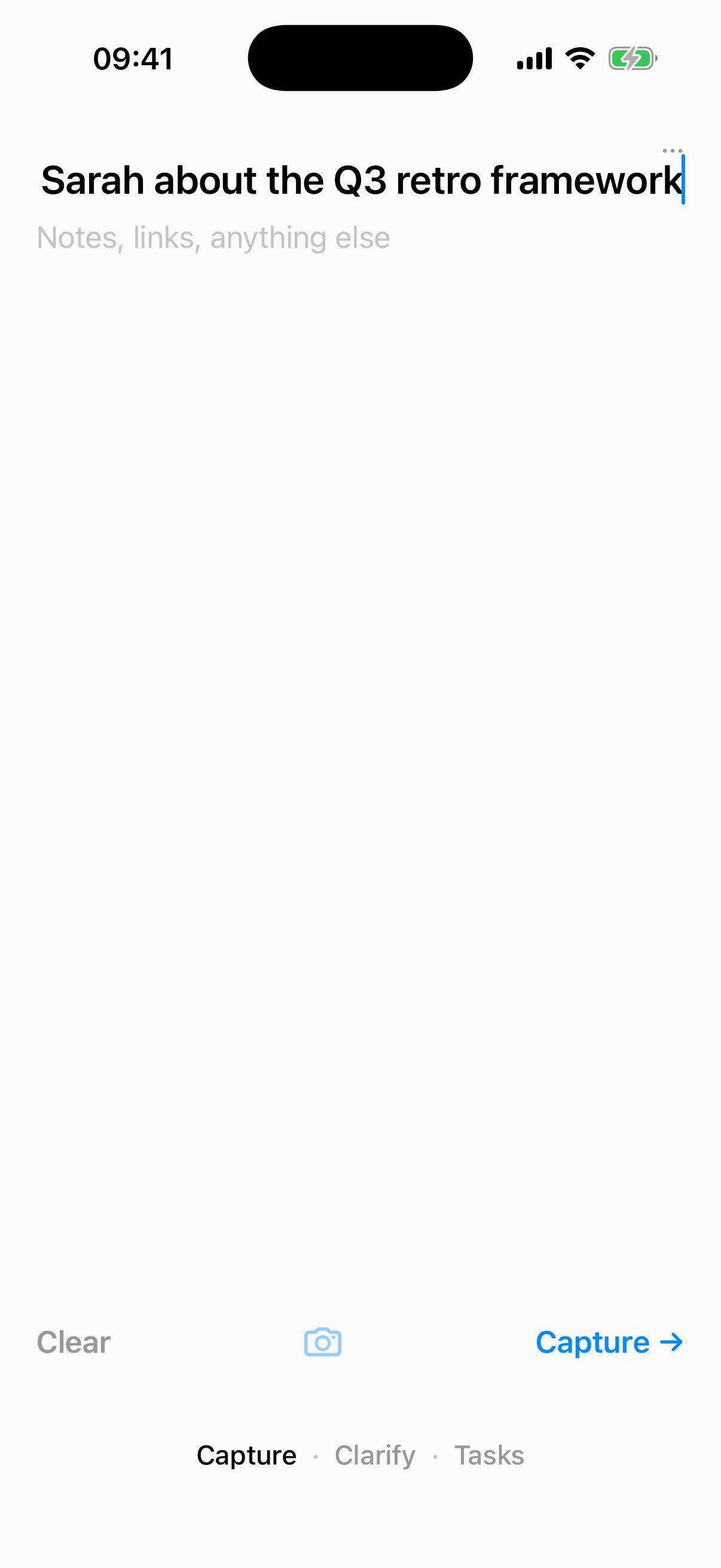
Empty your head the moment a thought lands. One borderless field: type a line, drop a photo, share a link. The capture screen tosses each thought out of sight so your mind trusts it's recorded.
- 02
Clarify
Process the inbox one card at a time. A physical card stack hands you a single thought and asks for a decision now. Swipe left to trash, right to mark done, up to keep for later, down to plan it into a task, project, or event.
- 03
Organize
Commitments land as next actions under projects that nest as deep as you need. Contexts, due dates, scheduled do-dates, waiting-for delegation, and dependencies keep everything in its right place.
- 04
Reflect
A guided seven-stage weekly review walks you through inbox-to-zero, your calendar, stuck projects, and what's waiting on others. It's the ritual that keeps the whole system trustworthy.
- 05
Engage
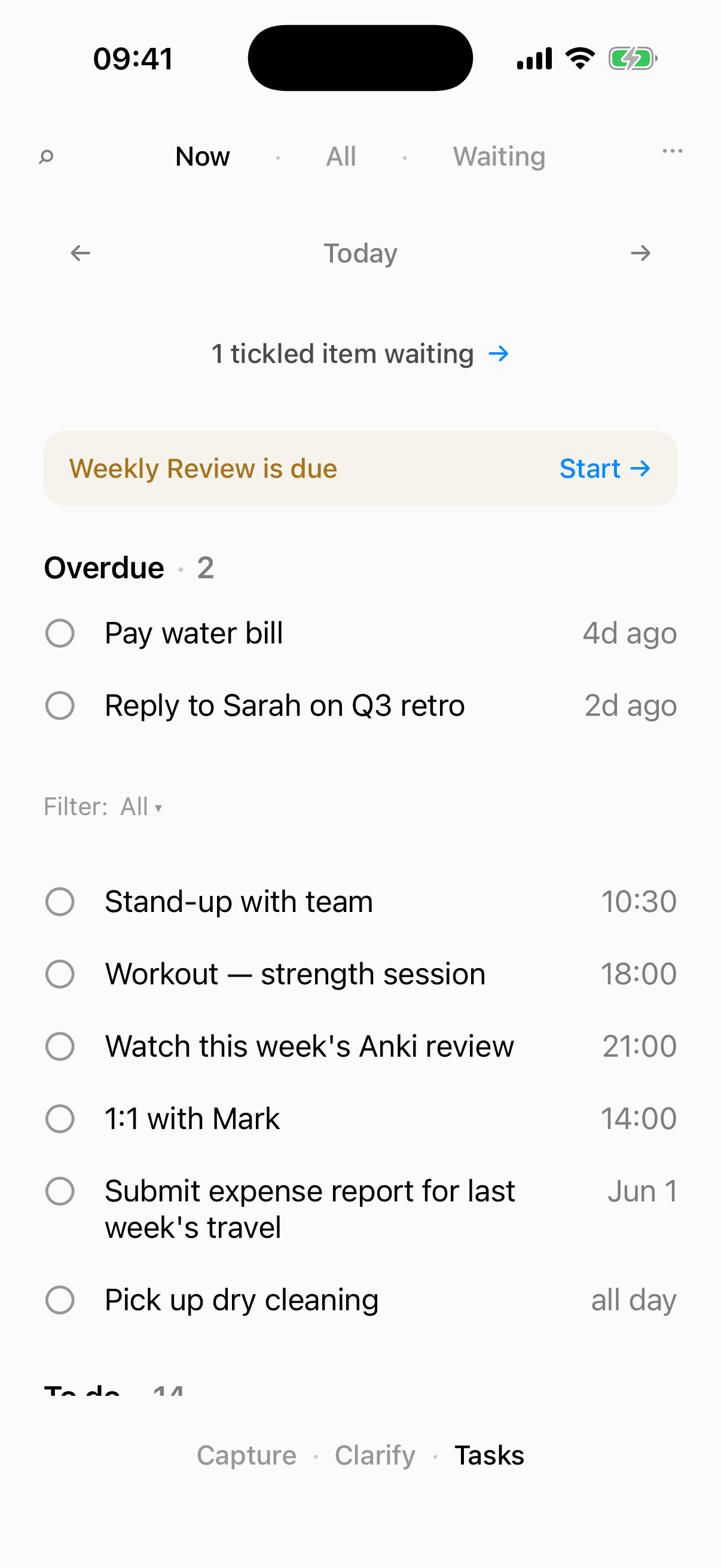
Three lenses show only what matters: Now (today's actionable list), Waiting (delegated and blocked), and All (the full project tree). Pick the next thing and do it.
Everywhere you work
One trusted system, the same data across every surface. Capture wherever the thought strikes.
iPhone
The reference app. Capture from the share sheet, a home- or lock-screen widget, or hands-free with Siri and Shortcuts. Currently in TestFlight beta.
Mac
A menu-bar companion and full window app. Capture from anywhere with a global hotkey, then clarify and organize without leaving the keyboard.
Web
The same data in any browser: capture, clarify, organize, and run your weekly review. No install required.
Claude
Connect Nordyme to Claude as an MCP server, so an AI assistant can read your projects and add next actions while you work.
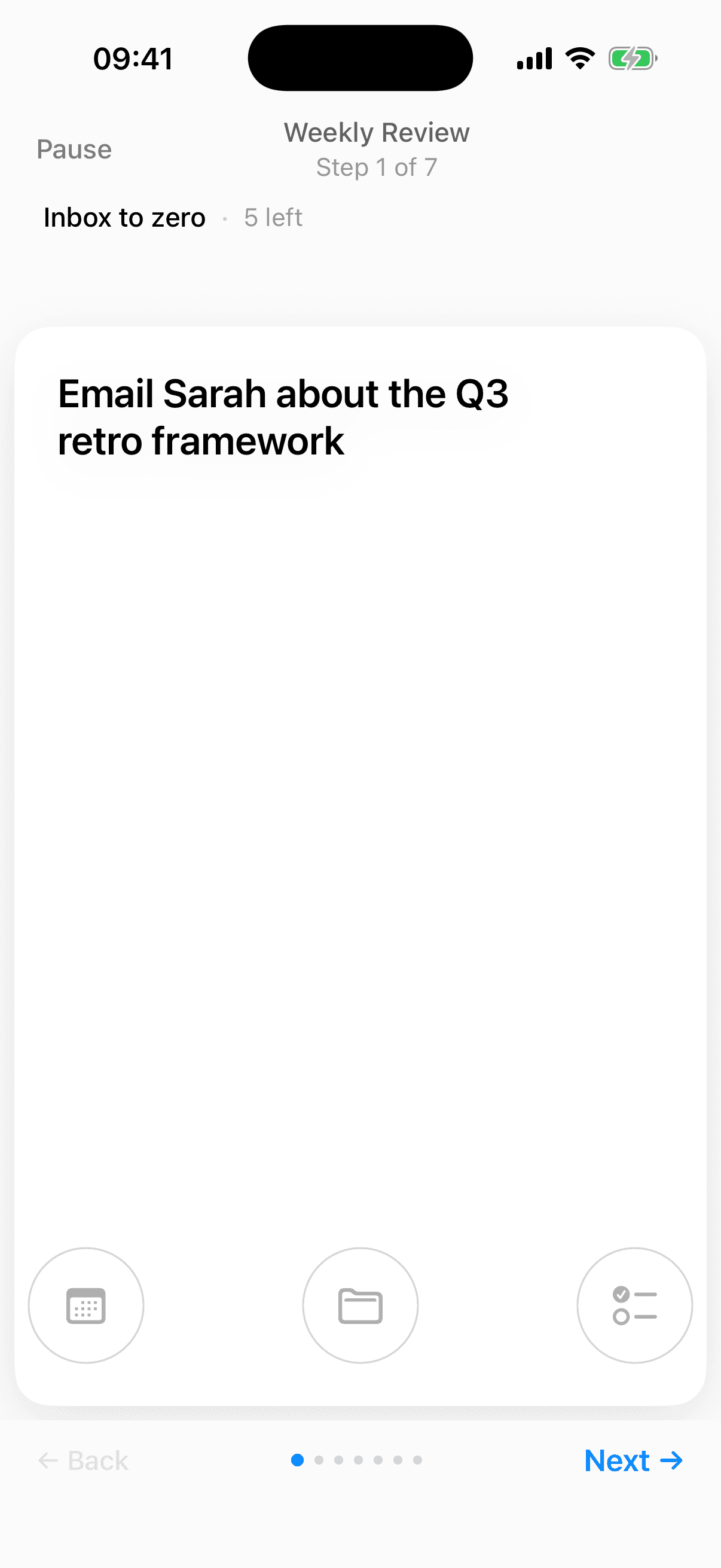
A weekly ritual is what makes any task system trustworthy. Nordyme builds it in, a guided pass that leaves your head genuinely empty.
Questions
- What is Nordyme?
- Nordyme is a task manager that follows a simple, proven workflow: capture every thought, clarify each one into a concrete next action, organize actions under projects, review your system weekly, and engage with the right work at the right time.
- What makes Nordyme different from other to-do apps?
- Its signature interaction is a four-direction clarify swipe deck. Instead of a list that invites endless deferral, Nordyme shows you one inbox item at a time and asks for a decision now: trash, done, keep for later, or plan it. A single card asks you to commit instead of letting things pile up.
- Which platforms does Nordyme run on?
- Nordyme runs on iPhone (in TestFlight beta), macOS (menu-bar and window app with a global capture hotkey), and the web. It also connects to Claude as a Model Context Protocol (MCP) server. All surfaces share the same data and sync automatically.
- Does Nordyme work offline?
- Yes. The Apple apps are offline-first: a local database is the source of truth, and changes sync to the cloud when you reconnect. You can capture and clarify in airplane mode and nothing is lost.
- How does the weekly review work?
- Nordyme includes a guided seven-stage weekly review that walks you through clearing your inbox, scanning the past and upcoming two weeks of calendar, sweeping next actions, walking your projects to catch stuck ones, nudging what's waiting on others, revisiting your Someday list, and capturing anything new.
- Is Nordyme free?
- Nordyme is free to use during its beta. Sign in with Apple or Google to start capturing.
- How do I capture things into Nordyme?
- Many ways: type or photograph a thought in the app, share a link or text from any app via the iOS share sheet, tap a home- or lock-screen widget, ask Siri, use a Mac global hotkey from any app, or let Claude add items for you through the MCP connector.
- Can I connect Nordyme to Claude or other AI tools?
- Yes. Nordyme ships a Model Context Protocol (MCP) server, so Claude Desktop, claude.ai, and Claude Code can securely read your projects and create next actions, notes, and inbox items on your behalf.